January 16, 2022
Prior to this week, when I thought of web development I thought of HTML and CSS. I only had a vague understanding of JavaScript and had heard of Node.js but didn't know what it was. Now join me in getting all the necessary tooling installed to launch a simple hello-world web component.
Web components are a collection of web platform APIs that can be used to create custom and reusable HTML tags to be used in web pages and web apps. Learn more about them here.
We'll be using open-wc in this post. It simplifies the process of developing web components by providing guides, tools, and libraries. Check out the open-wc website to learn more.
This is the easiest step. To download Node.js, head over to https://nodejs.org/ and click to download the LTS version for more stability. Download the installer and run it.
Why do you need Node.js? Node is a lightweight JavaScript runtime that allows you to run server-side programming to quickly build network applications.
npm is a package manager for JavaScript and is the default package manager for Node.js. Basically, npm lets you use code written by others in your own project without having to write it yourself.
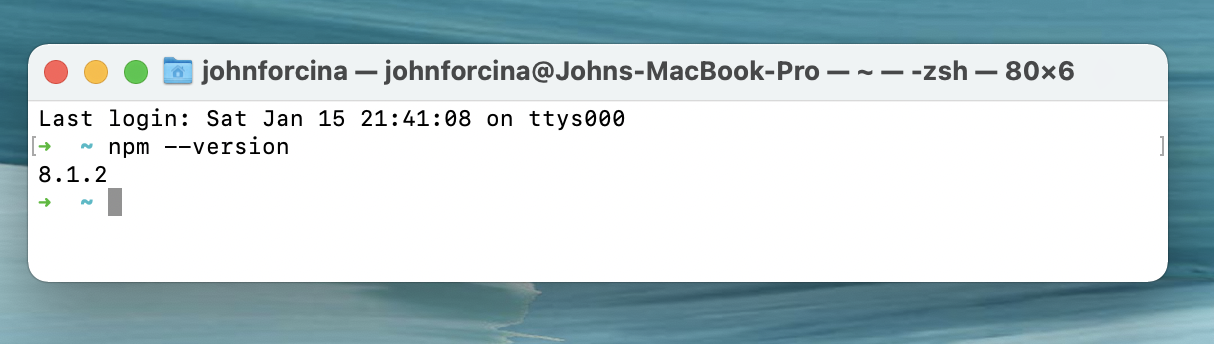
When you installed Node, npm was installed at the same time. You can check if it was installed and see which version you have by opening terminal and running npm --version
Yarn is another JavaScript package manager, similar to npm. This is an optional step, you can choose to install it after installing Node and npm. To install, open terminal and run npm install --global yarn
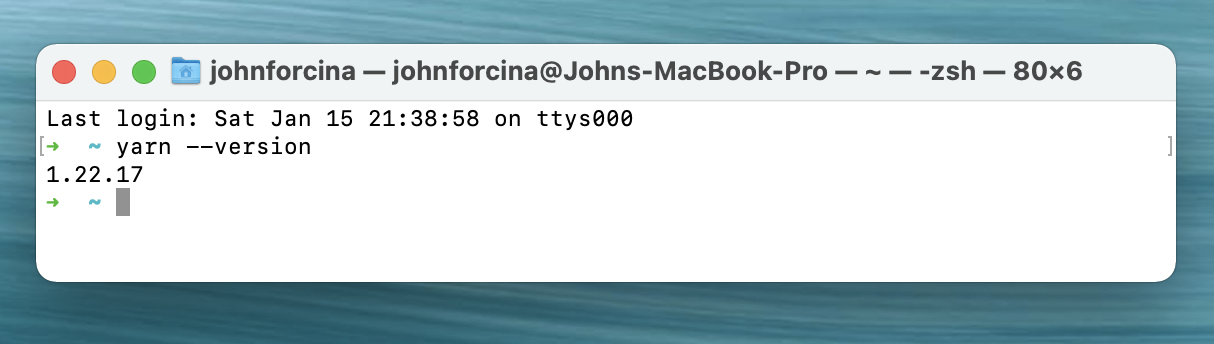
You can check to make sure it installed by running yarn --version
Now that all the tooling is installed, you're just about ready to get started. First, create a directory for your project. I created one by running mkdir -p ~/Documents/git/ist402 but you can name it or place it wherever you want.
After navigating to your desired directory, run npm init @open-wc If there are no problems, you should be greeted with this screen:
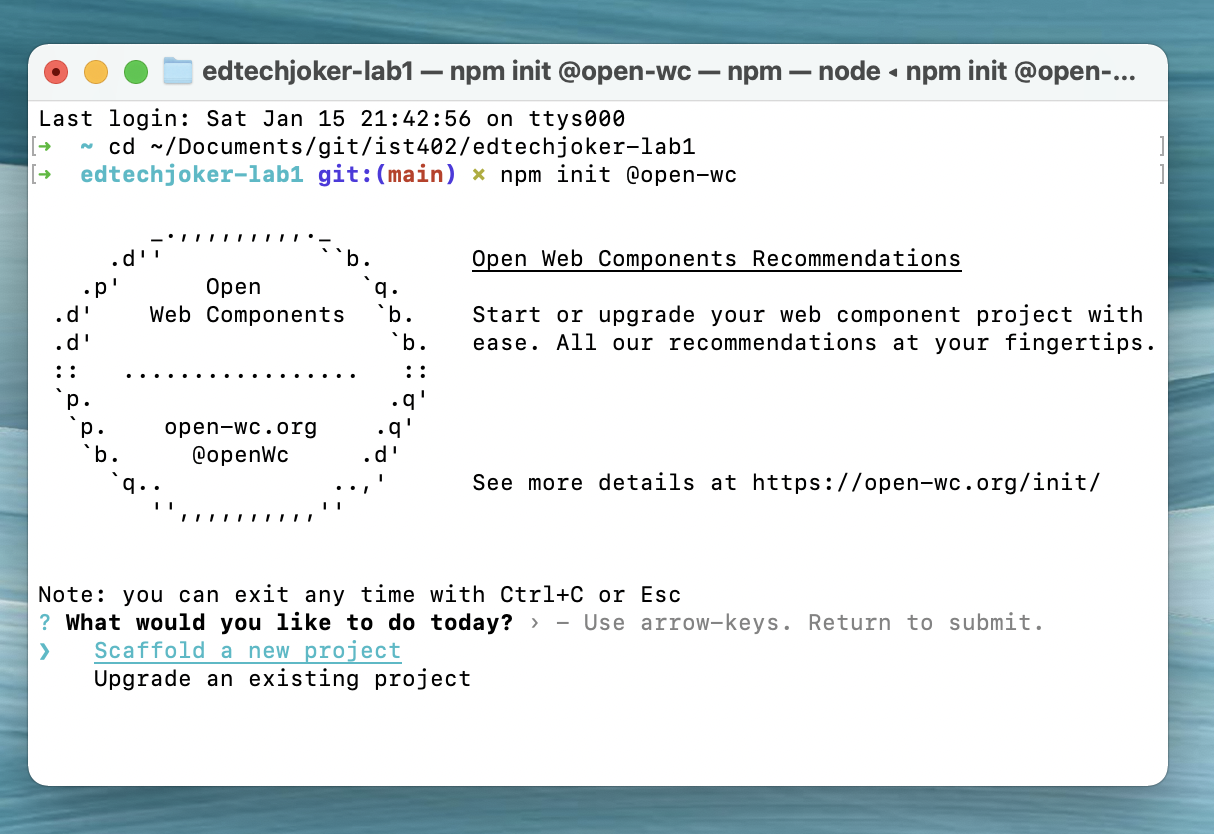
Congratulations! You're ready to start working on your web component. Push enter to start your new project and choose the settings you want. Here's a list of everything I chose:
To start your component, run either npm start or yarn start depending on which package manager you installed. Your default web browser will launch and you'll see your web component!
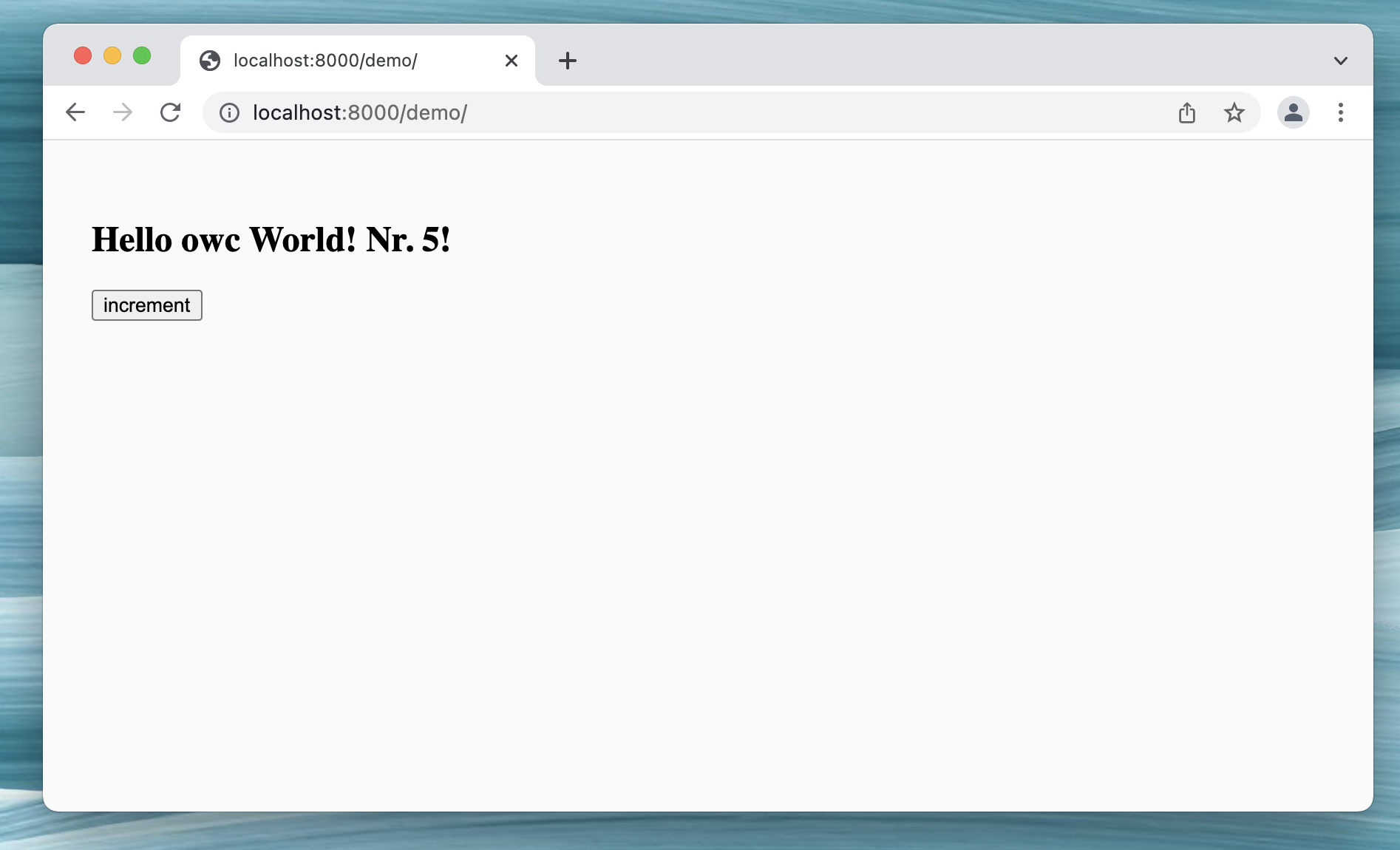
Even a simple Hello World web component relies on many files for their functionality. You can check them out yourself (especially the /src folder) and see what's going on behind the scenes.
Checking out Lit playground was very helpful in understanding the JavaScript used in a boilerplate web component like the one I just made.
I went through and commented what I thought several code blocks do. Take a look at my git repository for this lab and see that I still have a lot to learn about web components myself!